![CDPLogo2023_250x165.png]](https://kb.securecdp.com/hs-fs/hubfs/CDPLogo2023_250x165.png?height=40&name=CDPLogo2023_250x165.png)
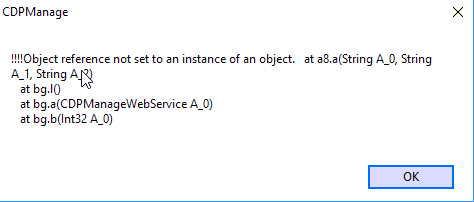
Should an error appear when the client launches Manage that looks like this:
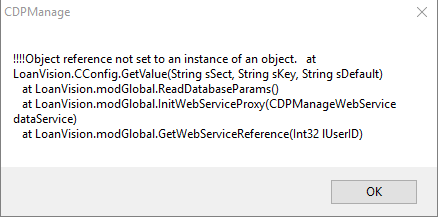
Or possibly this:
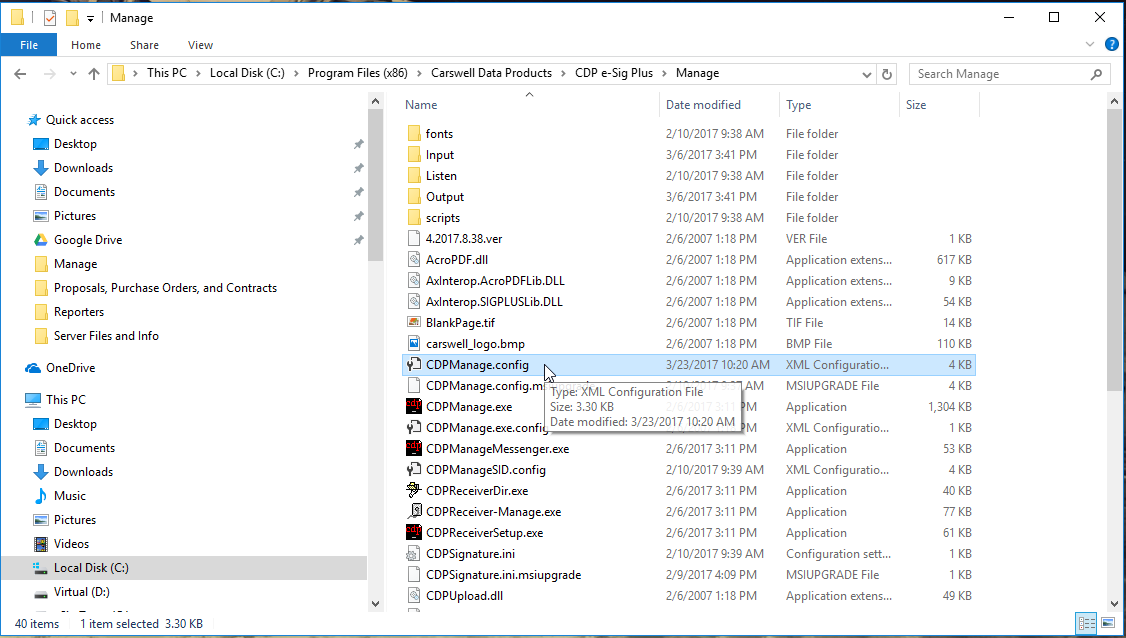
You will need to check the CDPManage.config file usually located at C:\Program Files (x86)\Carswell Data Products\CDP e-Sig Plus\Manage or %cdpm%
It should look like this(you will need to open it in notepad):
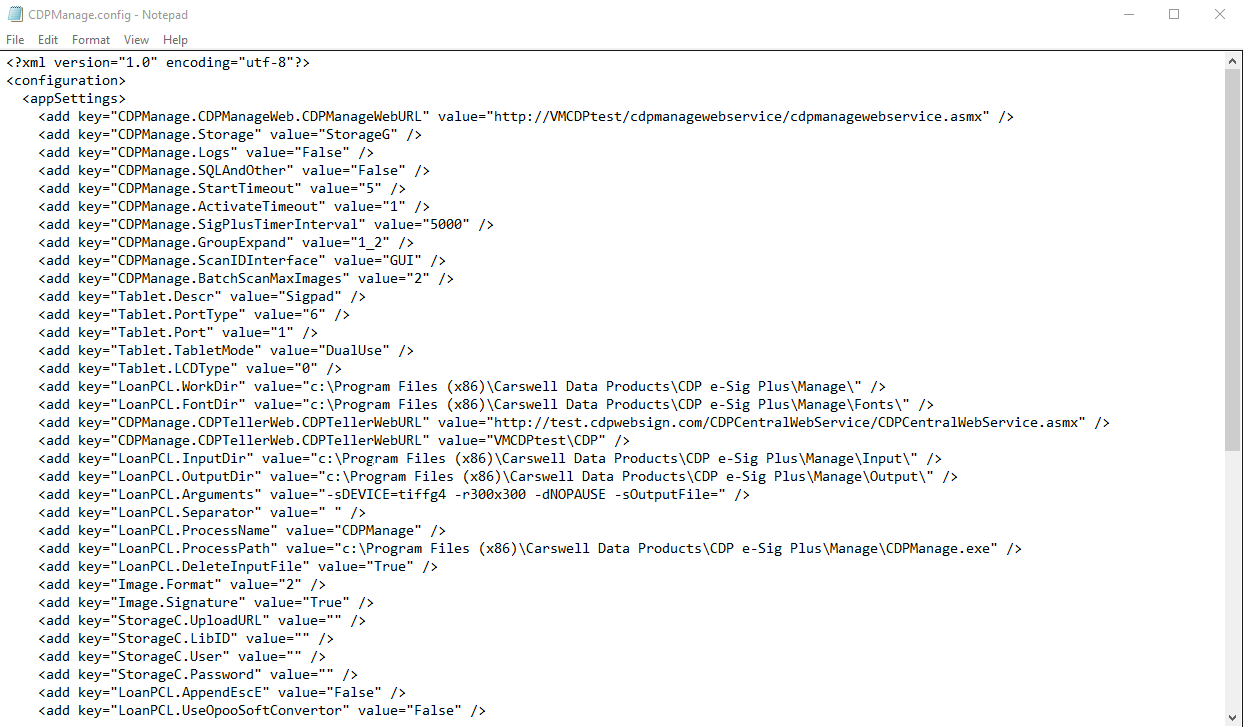
If it is blank you will need to re add the information to it from the CDPManageSID.config file:
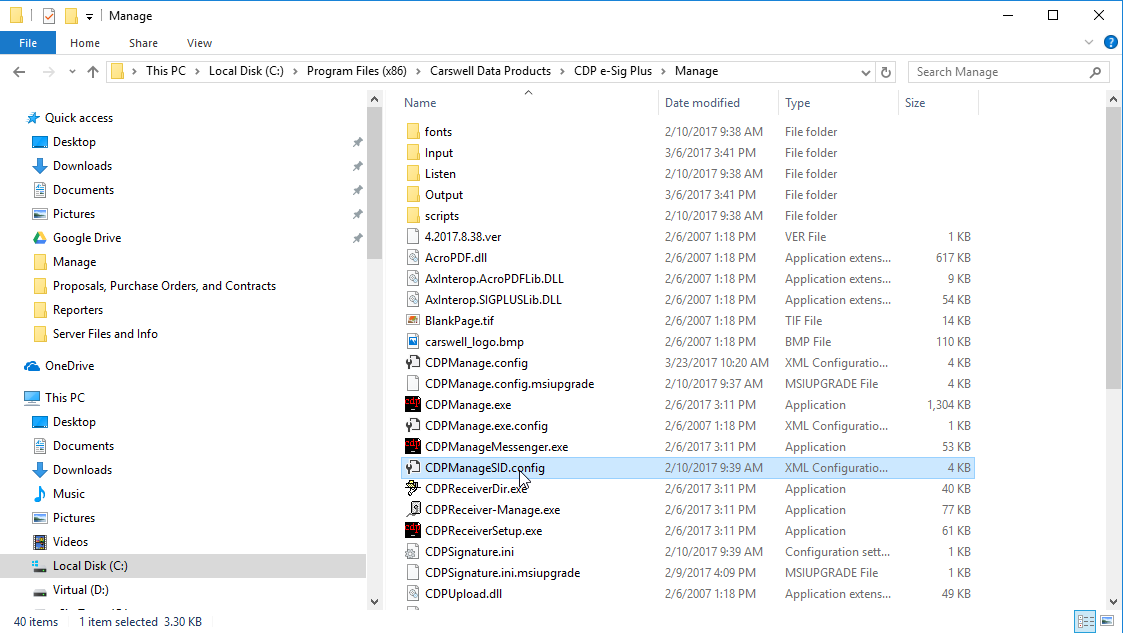
You will need to copy everything in this file after opening it with notepad and paste it into the CDPManage.config file that is empty. After doing this be sure to save so the changes stay.