![CDPLogo2023_250x165.png]](https://kb.securecdp.com/hs-fs/hubfs/CDPLogo2023_250x165.png?height=40&name=CDPLogo2023_250x165.png)
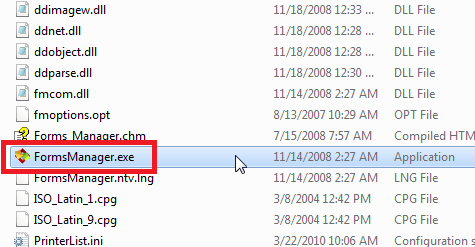
Open the FM_2 folder and double click on the FormsManager.exe file to open

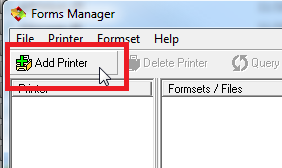
1) Select 'Add printer'
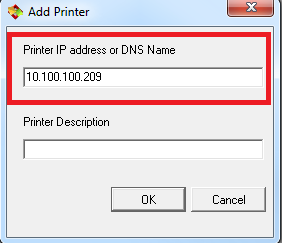
2) Type in the IP address of the printer and press 'ok'
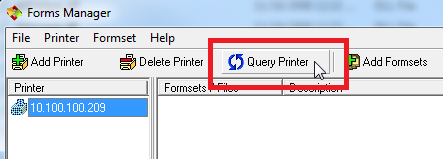
3) Highlight your printer on the left pane and select 'Query Printer'
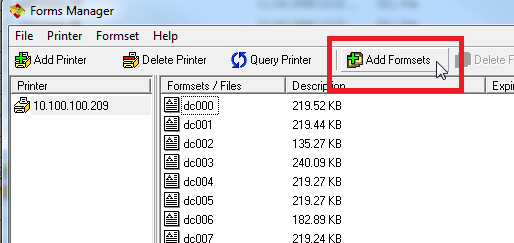
4) Select 'Add Formsets' and select the file to upload
*Note: Make sure no one is printing to the printer or it is in a busy state when uploading*
This process only works for LPS printers, not old Optra forms printers
- FM_2.zip (3 MB)