![CDPLogo2023_250x165.png]](https://kb.securecdp.com/hs-fs/hubfs/CDPLogo2023_250x165.png?height=40&name=CDPLogo2023_250x165.png)
-Get a phone number generated from Twilio for the CU (talk to Ken about that)
-Once you have your phone number remote desktop into securemailws.cdpsecuredocs.com
-Go to chrome, there should be a bookmarked website: http://localhost/CDPTextReceipt/Admin.aspx
-Go to Credit Union tab and click add
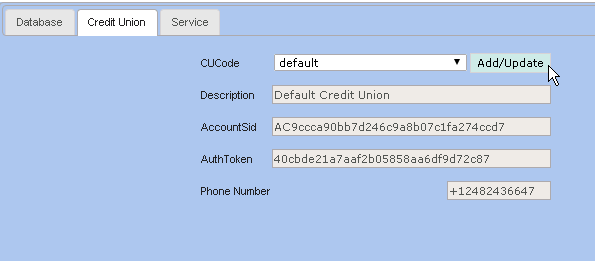
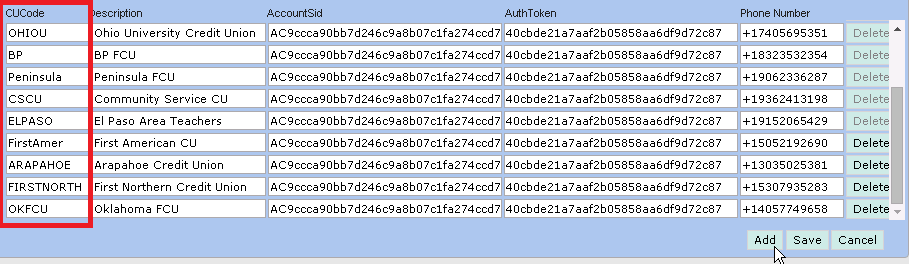
-Scroll to the bottom and click add again
-Give the CUcode something that makes sense to the CU
-AccountSid and AuthToken will both be copied and pasted into from any field above (they are all the same)
-Type in the phone number generated by Twilio
Copy the CU code, that will be inserted into Access for internal notes, and later copied into the clients data base
-Once in the client database, go to the dbo.setup table in the CDPTeller database and insert the CUcode into the CUCodecolumn

-Text should be set to 2 for SMS and 0 for MMS
*Note*
-MMS is text only
-SMS is images in text