![CDPLogo2023_250x165.png]](https://kb.securecdp.com/hs-fs/hubfs/CDPLogo2023_250x165.png?height=40&name=CDPLogo2023_250x165.png)
"Access Denied" when saving a configuration.
To resolved this issue, you need to make sure that the user that is logged in has the write permission to the configuration file.
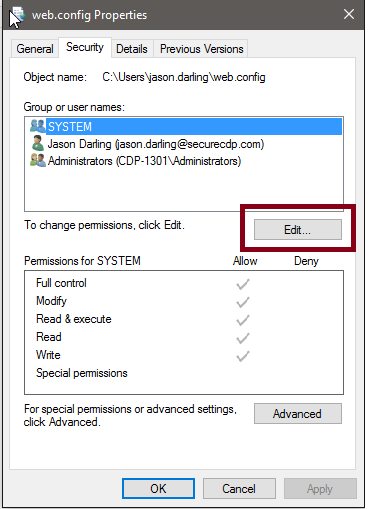
Right click on the file you want to give access to and go to properties, this window will come up and go to the security tab. Choose edit.
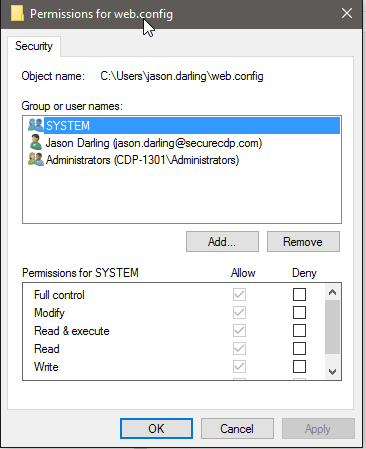
Choose add.
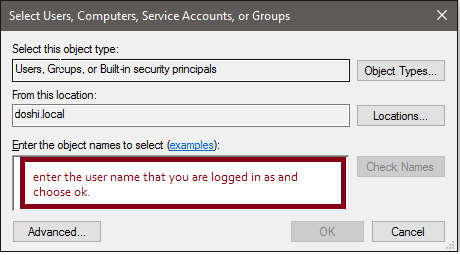
Once you choose ok, press ok or apply on all the open windows and you should now be able to save the configuration changes.