![CDPLogo2023_250x165.png]](https://kb.securecdp.com/hs-fs/hubfs/CDPLogo2023_250x165.png?height=40&name=CDPLogo2023_250x165.png)
If Teller accept button is greyed out along with the adding machine cash box and windows calculator(central inquiry will also be greyed out)
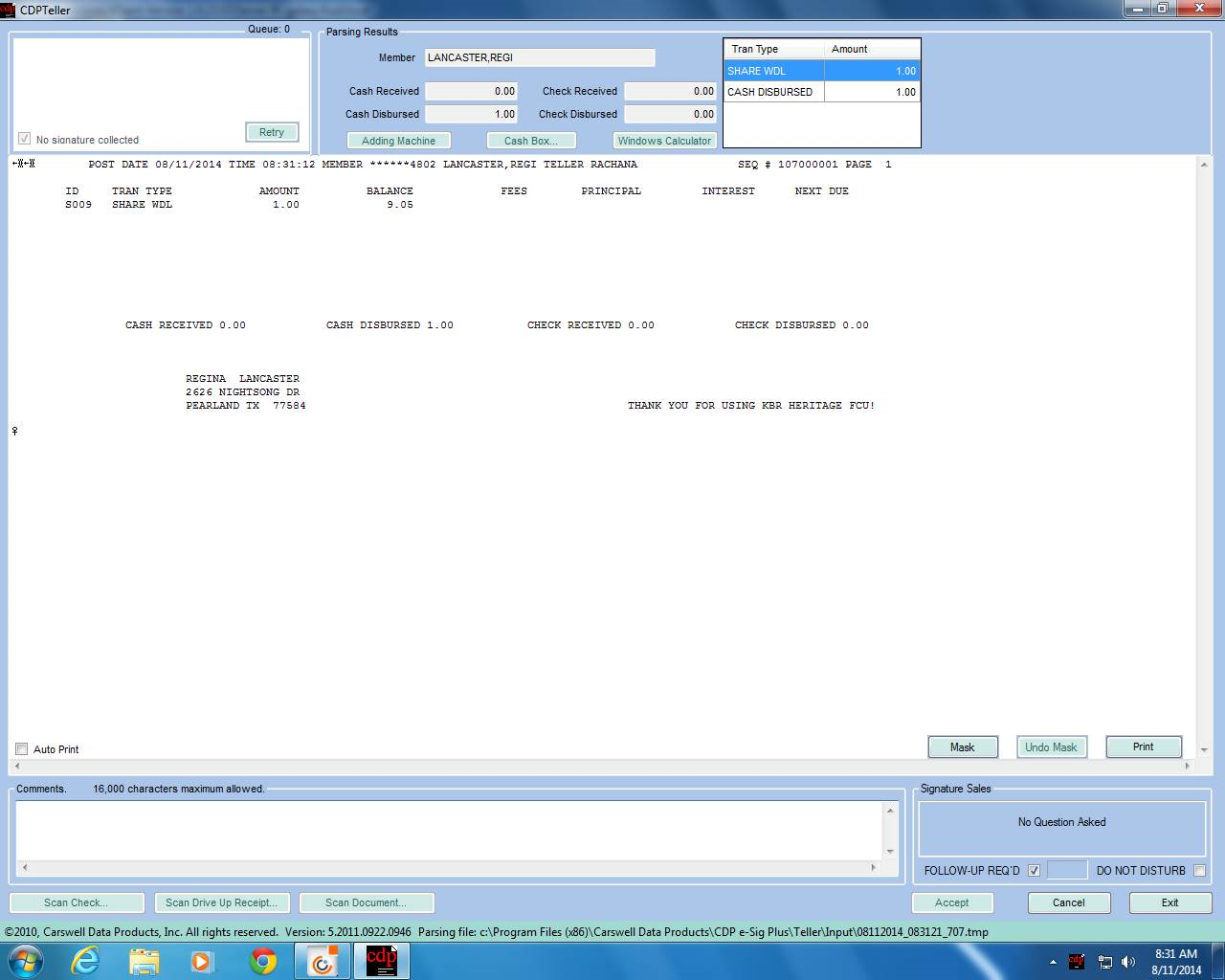
This means Teller/Central was set to offline mode
To turn offline mode on and off go to the eSig folder and select
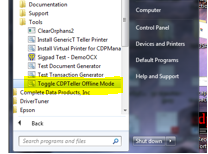
Once it runs, a summary page will come up, then on the black screen click any key to exit, and have customer try again, should be able to Accept now.